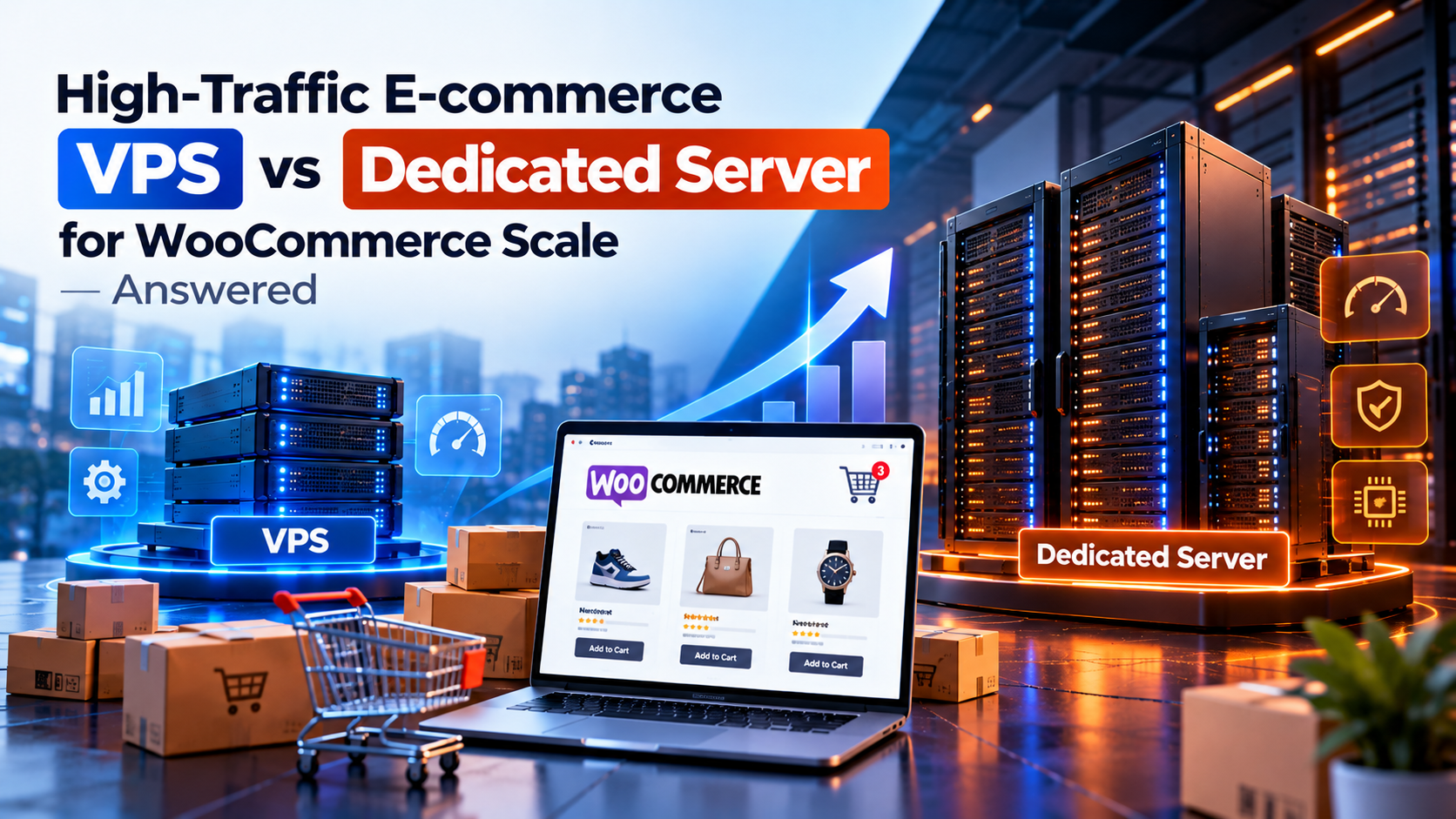
Running a successful WooCommerce online store is an exciting achievement for any business owner. But as your promotional marketing campaigns succeed and thousands of online shoppers rush to browse products at the exact same time, your hosting server faces an extreme stress test. E-commerce websites are far more demanding on server hardware than regular blogs or portfolio sites because every shopping cart addition, coupon application, customer registration, product filtering search, and checkout query requires dynamic real-time database processing.
When a sudden surge of shoppers hits your online store during a flash sale or holiday promotion, a slow server can ruin your sales revenue. If your checkout page takes 5 seconds to load or displays a database connection error, shoppers will abandon their carts and buy from a competitor. This brings online store owners to a crucial decision point: Is a Virtual Private Server (VPS) sufficient for WooCommerce scaling, or do you need a Dedicated Server to handle high-traffic spikes smoothly?
In this practical case study guide, we will analyze how VPS and Dedicated Servers perform under heavy WooCommerce traffic loads. We will explain everything in clear layman language, helping you choose the right server architecture to keep your checkout fast, secure, and highly profitable.
📌 Direct Answer: Which Hosting Setup Scales WooCommerce Best?
- For Growing Stores (Under 500 Daily Orders): A Managed VPS with fast NVMe storage and Object Cache (Redis) provides smooth performance and great value.
- For High-Traffic Enterprise Stores (1,000+ Orders & Flash Sales): A Dedicated Server is required. It delivers 100% unshared CPU cores and dedicated RAM to process hundreds of concurrent checkouts without crashing.
- Key Recommendation: Never run a high-concurrency WooCommerce checkout on shared resources—page load delays directly reduce store conversion rates.
A Simple Analogy: Single Cashier Counter vs Supermarket Hypermarket
To understand how WooCommerce demands server power, picture a physical retail store during Black Friday sales events:
Hosting WooCommerce on a standard VPS is like operating a boutique store with a single billing counter and cash register. When 10 customers visit per hour, the cashier easily scans items and processes payments quickly. But if 500 shoppers line up simultaneously with filled shopping carts, a single cashier gets overwhelmed, creating massive long lines where frustrated customers leave their carts behind and walk out without buying.
Hosting WooCommerce on a Dedicated Server is like operating a multi-lane supermarket hypermarket equipped with 20 high-speed automated checkout lanes. Even when thousands of shoppers rush into the store at once, multiple open checkout channels process transactions instantly, ensuring every customer completes their purchase without waiting in line.
Why WooCommerce Demands Massive Server Resources
Unlike simple content websites where web pages can be cached into static HTML files, WooCommerce relies heavily on dynamic PHP processing and MySQL database queries:

Figure 1: Digital data stream processing high-volume e-commerce transactions.
1. Un-cacheable Cart and Checkout Pages
Every time a shopper adds a product to their cart, applies a discount coupon code, or enters shipping information, WooCommerce bypasses standard page caching. The server must execute fresh PHP code and query the database directly. Under heavy traffic, a VPS can quickly run out of PHP worker threads, causing severe page delay and checkout timeouts.
2. Heavy Database Read/Write Operations
Managing inventory levels in real time, processing credit card payment gateways, and sending order confirmation emails requires intensive disk I/O operations. A dedicated server with direct NVMe storage handles high input/output operations per second (IOPS) far more efficiently than a virtual server with shared disk controllers.
💡 Planning your store infrastructure? Read our comprehensive guide on VPS vs dedicated server hosting for high-growth online companies.
3. Preventing "Out of Memory" Errors During Sales Spikes
During marketing email campaigns or viral social posts, hundreds of shoppers hit your site simultaneously. If your server runs out of physical RAM memory, PHP processes will crash, resulting in frustrating 502 Bad Gateway errors. A dedicated server provides vast RAM memory buffers so your online store stays rock-solid under severe traffic stress.
4. Optimizing PHP-FPM Workers for Concurrent Shoppers
In WooCommerce hosting, each active customer checkout consumes a dedicated PHP-FPM process worker. On a smaller VPS instance with limited RAM, you may only be able to allocate 10 to 20 PHP workers before running out of memory. On a dedicated server with 64 GB of RAM, you can comfortably allocate 150+ PHP workers, allowing hundreds of customers to complete checkouts simultaneously without queuing.
5. Database Query Optimization & Indexing
As your store catalog grows to thousands of product SKUs and customer orders, MySQL database tables become massive. A dedicated server allows you to configure dedicated database caching buffers, optimize query indexes, and isolate database workloads onto separate fast SSD drives, ensuring sub-second response times for complex product filtering searches.
6. Enhanced PCI-DSS Payment Security & Compliance
Handling customer credit card payments directly on your e-commerce store requires strict adherence to PCI-DSS security compliance standards. A dedicated server provides complete physical hardware isolation, eliminating security vulnerabilities associated with shared hypervisor environments and giving your business total control over firewall policies and data encryption standards.
7. Automated Backup Redundancy & Disaster Recovery
For any high-revenue WooCommerce online store, automated daily database backups are vital to business continuity. On a dedicated server, hardware RAID-10 disk mirroring automatically writes data across multiple NVMe drives simultaneously. If one drive fails during a peak shopping event, the secondary drive immediately takes over without taking your checkout offline or losing customer transactions.
WooCommerce Performance Benchmark Comparison
Here is how VPS and Dedicated Servers compare across key WooCommerce store performance metrics:
| E-commerce Metric | Managed VPS Environment | Dedicated Bare-Metal Server |
|---|---|---|
| Concurrent Checkouts | Handles 20 - 50 simultaneous checkouts | Handles 300+ simultaneous checkouts effortlessly |
| Checkout Page Load Time | 1.8s to 3.5s during normal traffic | Sub-second (0.6s to 1.1s) peak performance |
| Flash Sale Spikes | Risk of temporary slowdown or 504 gateway timeout | 100% stable throughput with zero downtime |
| Database Efficiency | Good for standard store catalog sizes | Ideal for massive catalogs with 50,000+ products |

Figure 2: Server network load balancing infrastructure distributing heavy e-commerce traffic seamlessly.
Frequently Asked Questions (FAQs)
Q1: How do I know when my WooCommerce store has outgrown a VPS? ▼
Q2: Can Redis object caching help a WooCommerce VPS handle more traffic? ▼
Q3: What server hardware specs are ideal for a high-traffic WooCommerce store? ▼
Conclusion: Protect Your Store Revenue with the Right Hosting
In online retail, server speed directly equals revenue. A slow website or checkout crash during a major promotion costs far more in lost sales than the price of premium server hosting.
For early and growing WooCommerce stores, a Managed VPS provides a solid, cost-effective platform. But when your store scales to thousands of daily orders and high-volume sales events, upgrading to a Dedicated Server guarantees the speed, stability, and checkout performance your e-commerce business needs to succeed.


No comments:
Post a Comment
Your Post is Publishing