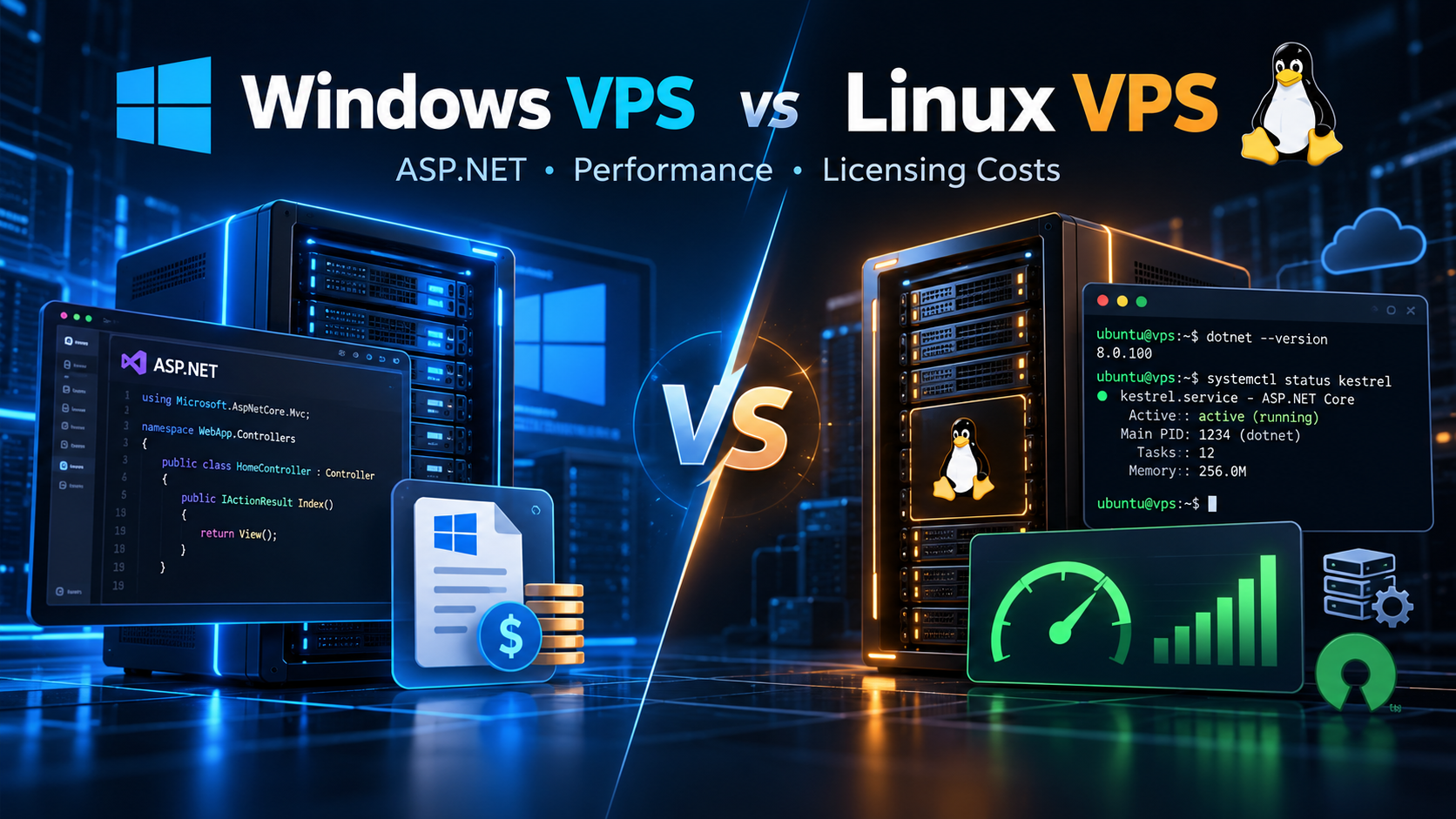
When deploying an ASP.NET application, choosing the right server operating system is a foundational architectural decision. For years, the default expectation across IT was simple: because ASP.NET is a Microsoft technology, hosting it on Windows Server with Internet Information Services (IIS) was considered the only natural path.
Today, that dynamic has changed. With Microsoft's re-engineering into cross-platform .NET (from .NET Core to modern .NET 6, 7, 8, and 9), developers can run ASP.NET workloads natively on Linux. Today, engineering teams face an important question: Should you choose a Windows VPS or a Linux VPS for your ASP.NET hosting?
The best choice depends on your codebase version, required libraries, sysadmin skills, and budget. In this guide, we break down real-world performance benchmarks, RAM usage, licensing fees, and deployment workflows to help you make an informed decision.
📌 Direct Answer: Which VPS Environment Should You Choose?
- Choose Linux VPS When: You build modern ASP.NET Core apps (.NET 6/7/8/9), deploy via Docker, pair with PostgreSQL or MySQL, or want to eliminate monthly Windows licensing fees while freeing up idle RAM.
- Choose Windows VPS When: Your software relies on legacy .NET Framework (version 4.8 or older), requires Remote Desktop (RDP) GUI management, integrates with Active Directory, or depends on IIS modules.
- The Performance Reality: For modern .NET Core, Linux VPS environments regularly match or outperform Windows environments thanks to lower kernel overhead and Kestrel's asynchronous epoll socket handling.
A Simple Analogy: Furnished Penthouse vs. Efficient Industrial Workshop
To understand the difference without complex jargon, compare both environments to leasing commercial real estate:
A Windows VPS is like leasing a furnished executive penthouse. Everything is pre-installed: leather seating, climate control, wall touchscreens, and a staffed front desk. It feels familiar and intuitive. However, you pay a substantial monthly amenities fee for that luxury furniture, and heating and lighting consume power continuously, even when meeting rooms sit empty.
A Linux VPS is like renting an industrial design workshop. You enter with a digital keycard (SSH) and receive a clean concrete floor, raw electrical lines, and open space. You install only the exact benches and tools your project needs. Because zero administrative clutter runs in the background, your utility footprint is minimal, and the landlord charges zero decorative amenities tax. Every resource goes directly into powering your application.
The Core Dividing Line: Legacy .NET Framework vs. Modern Cross-Platform .NET
Before comparing performance or hosting bills, you must understand the decisive architectural divide in the Microsoft ecosystem: legacy .NET Framework versus modern cross-platform .NET.
1. Legacy .NET Framework (Versions 1.0 to 4.8.1)
Traditional .NET Framework was tightly coupled to Windows. Technologies like ASP.NET Web Forms, WCF, and System.Web relied on native Win32 APIs, the Windows Registry, and IIS. If your codebase depends on these legacy components, it cannot run on Linux. For these applications, a Windows VPS is an absolute requirement.
2. Modern Cross-Platform .NET (.NET Core & .NET 6/7/8/9)
To support modern cloud microservices, Microsoft rebuilt the runtime into cross-platform .NET. This modular framework removes Windows OS dependencies and introduces Kestrel, an ultra-fast asynchronous web server. Modern .NET runs natively across Ubuntu, Debian, AlmaLinux, and Windows with identical execution, giving you complete hosting freedom.

Figure 1: Side-by-side server infrastructure architectures comparing Windows Server and Linux enterprise hosting stacks.
Comparison Matrix: Windows VPS vs. Linux VPS for ASP.NET
| Feature | Windows VPS Hosting | Linux VPS Hosting |
|---|---|---|
| OS Licensing | Monthly SPLA fee ($15–$40/mo surcharge based on vCPU count). | 100% Free open-source (Ubuntu, Debian, AlmaLinux). Zero fees. |
| Idle RAM Usage | High. Uses 1.8 GB to 2.5 GB RAM at idle for desktop GUI. | Minimal. Uses only 200 MB to 450 MB RAM at idle. |
| Web Server | Internet Information Services (IIS) or in-process Kestrel via IIS. | Kestrel standalone or reverse-proxied behind Nginx or Apache. |
| .NET Support | Universal: runs legacy .NET Framework and modern .NET. | Modern .NET only (.NET Core 1.0+ and .NET 5/6/7/8/9). |
| Remote Access | Graphical Remote Desktop (RDP) and IIS Management Console. | Fast Secure Shell (SSH), bash scripting, and automation tools. |
| Containers & DevOps | Windows Server containers. Base images are large (several GB). | Native Docker ecosystem. Lightweight Alpine images under 100 MB. |
| Database Pairing | Microsoft SQL Server with native Windows authentication. | PostgreSQL, MySQL, MariaDB, SQLite, or containerized MS SQL. |
| Minimum Spec | 2–4 vCPUs and 4 GB to 8 GB RAM for stable operations. | Runs lightweight APIs smoothly on 1–2 vCPUs and 1 GB to 2 GB RAM. |
Licensing Economics: How OS Choice Impacts Hosting Budgets
For startup founders and agencies managing multiple client projects, recurring infrastructure costs accumulate quickly over time. Understanding server licensing structures helps you project long-term financial commitments accurately.
Deploying a Windows VPS incurs Microsoft Service Provider Licensing Agreement (SPLA) fees, adding a monthly surcharge of $15 to $40 to your hosting bill. Furthermore, adding commercial Microsoft SQL Server Standard escalates licensing into hundreds of dollars per core annually. Over a multi-server setup, Windows licensing can add thousands of dollars in operating overhead.
With a Linux VPS, operating system licensing is completely free. Running enterprise-grade Ubuntu or Debian with open-source PostgreSQL or MySQL eliminates software licensing fees entirely. This allows you to reallocate your hosting budget toward higher CPU clock speeds, additional memory, and redundant NVMe storage.
Strategic context: Explore our detailed guide on Windows VPS vs Linux VPS for ASP.NET development to learn how modern teams optimize infrastructure budgets and performance.

Figure 2: Hardware-level CPU and memory bus throughput visualization demonstrating low-overhead request execution.
Performance & Resource Efficiency: Benchmarking the Runtime
When benchmarking Windows and Linux for .NET hosting, two technical factors dominate outcomes: idle memory usage and socket multiplexing efficiency.
Windows Server runs background telemetry, graphical subsystems, and desktop managers, consuming 1.8 GB to 2.5 GB of RAM at idle. On a 4 GB VPS, half your memory is taken before processing your first request. In contrast, headless Ubuntu boots using merely 200 MB to 450 MB of RAM, leaving over 3.5 GB free for application logic and caching.
In TechEmpower benchmarks, modern ASP.NET Core ranks among the fastest web frameworks worldwide. On Linux, Kestrel leverages native epoll system calls for non-blocking socket handling with minimal context switching. On Windows, Kestrel runs via IOCP; however, reverse-proxying through full IIS adds worker process management layers that consume slightly more CPU cycles under heavy concurrent load.
Operational Workflows: Administration, Tooling, and DevOps
Daily developer productivity depends heavily on administration tooling and deployment pipelines.
Windows VPS provides intuitive GUI administration via Remote Desktop (RDP). Developers can inspect IIS application pools and view system events visually, eliminating a steep command-line learning curve for Windows-centric teams.
Linux VPS administration relies on SSH terminal access. While command-line workflows require initial familiarization, they excel at automation, scriptable deployments, and Git-tracked configuration. Linux is also the natural home of Docker: Alpine-based .NET container images often measure under 100 MB, deploying in seconds across CI/CD pipelines.
Frequently Asked Questions (FAQ)
Q1: Can every version of ASP.NET run on a Linux VPS? ▼
Q2: Do I need a Microsoft SQL Server license to run ASP.NET on Linux? ▼
Q3: How much money do you save hosting ASP.NET on Linux instead of Windows? ▼
Q4: Is it difficult for a C# developer using Visual Studio to deploy to Linux? ▼
Q5: When is a Windows VPS clearly the better hosting choice? ▼
Final Decision Guide: How to Choose the Right Server Today
Consider your application architecture, internal skills, and infrastructure budget:
- Choose a Linux VPS When: You are launching new applications with modern ASP.NET Core (.NET 6/7/8/9), developing microservices or REST APIs, adopting Docker container workflows, pairing with PostgreSQL or MySQL, or seeking to maximize your hardware budget by avoiding operating system licensing fees.
- Choose a Windows VPS When: You must maintain legacy .NET Framework 4.x codebases, rely on Active Directory authentication, need IIS-specific features, or prefer managing your server visually through Remote Desktop without terminal administration.
- The Modern Industry Standard: For the vast majority of new ASP.NET Core applications developed today, deploying on a Linux VPS provides the winning combination of high execution speed, low memory overhead, and zero licensing expense.
Both operating systems offer enterprise-level reliability. The right decision simply matches your application framework version, operational comfort, and budget priorities.


No comments:
Post a Comment
Your Post is Publishing