For years, a golden rule in systems engineering went unquestioned: bare-metal dedicated servers are always faster than virtual machines. The logic was simple — running software directly on raw physical components eliminates hypervisor overhead, delivering maximum speed and uncompromised input/output throughput.
However, modern cloud computing architecture has dramatically evolved. Modern Cloud VPS setups now leverage distributed enterprise NVMe storage arrays, high-frequency processors, and hardware-assisted virtualization. This advances a fascinating debate among technical founders and infrastructure architects: Can an optimized Cloud VPS actually outperform a physical Dedicated Server, or does bare metal always win?
In this breakdown, we examine real-world performance benchmarks — unpacking hypervisor overhead, CPU scheduling, storage IOPS, network latency, and memory access patterns — so you can see which infrastructure genuinely runs faster under your specific workload demands.
📌 Direct Answer: Can a Cloud VPS Outperform Dedicated Hardware?
- Yes, in Specific Scenarios: A high-spec Cloud VPS on 4.5+ GHz AMD EPYC/Intel Xeon and distributed NVMe can outperform older dedicated servers with legacy SATA SSDs or lower single-thread speeds.
- Where Bare Metal Still Dominates: For sustained compute workloads, heavy relational databases, continuous multi-core compilation, and zero-latency kernel operations, a modern Dedicated Server remains undeniably faster.
- The Core Architectural Trade-off: Cloud VPS wins on rapid elasticity, failover redundancy, and storage flexibility; Dedicated bare metal wins on raw sustained throughput, deterministic latency, and zero noisy-neighbor contention.
A Simple Analogy: Custom Turbo Sports Car vs. High-Speed Maglev Train
To grasp the performance difference without dense technical jargon, compare these two hosting types to high-speed transportation:
A Dedicated Server is like a custom, high-horsepower sports car you own exclusively. You control the steering, tires, and throttle with no speed limiter, no schedule, and no passengers sharing your engine. Push the accelerator on an open track and you get raw, instant acceleration with zero delay.
A Cloud VPS is like riding a modern high-speed maglev train network. You share the grid with other travelers, but the underlying infrastructure is massive and heavily engineered. If one track fails, the system seamlessly reroutes you. Under short bursts, the train can match or even beat the sports car — especially if the car is an older model stuck in traffic.
Where the Performance Battles Are Won and Lost

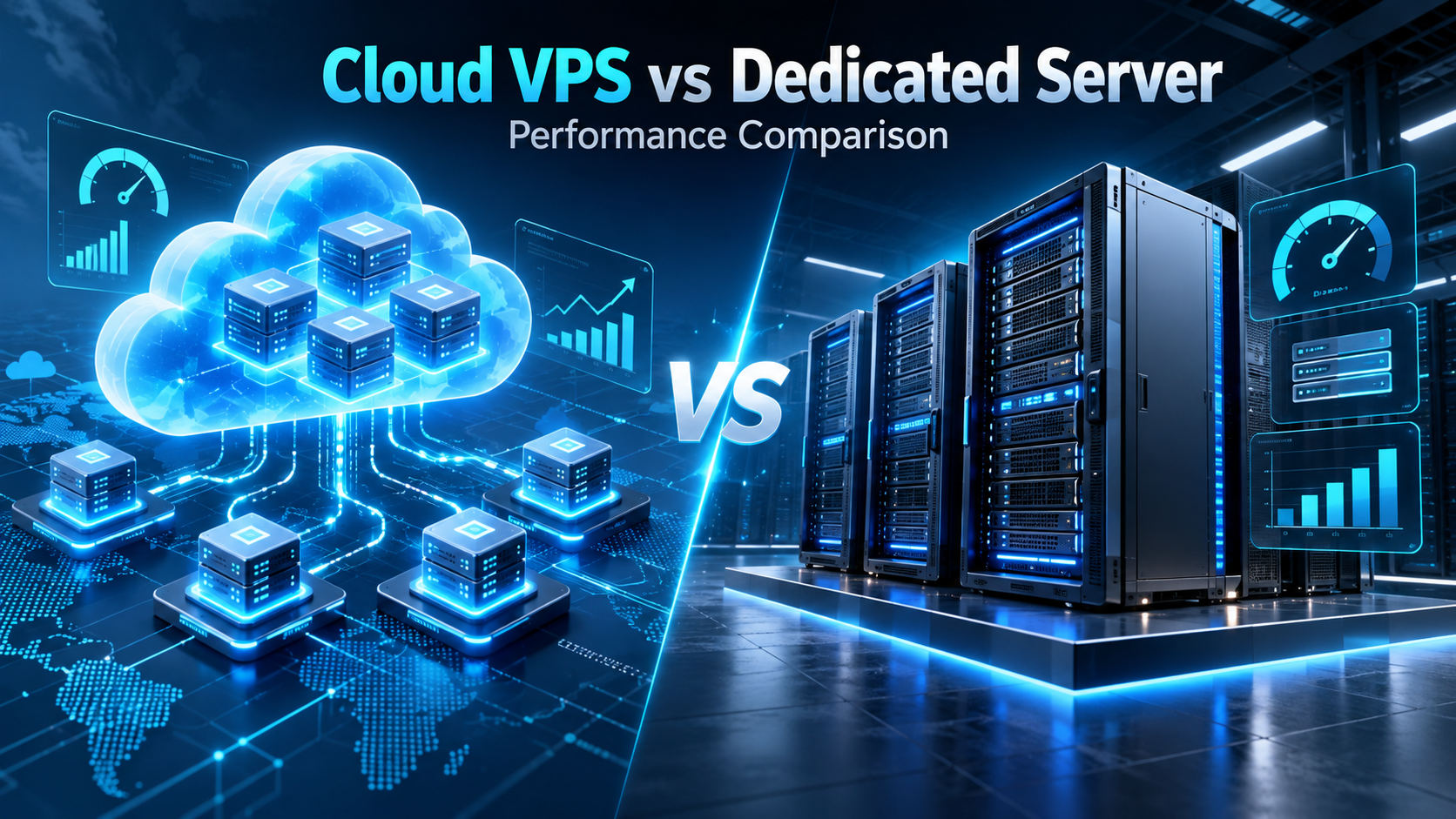
Figure 1: Distributed cloud computing infrastructure compared against single-tenant bare-metal server hardware.
1. CPU Architecture: Clock Speed vs. Core Count
Many legacy entry-level dedicated servers use older processors at 2.4–3.0 GHz. Premium Cloud VPS providers refresh their host clusters continuously with cutting-edge CPUs at 3.8–4.8 GHz base frequency.
For single-threaded workloads — PHP execution, Node.js event loops, WordPress requests — a modern 4-core Cloud VPS can process HTTP requests faster than an older 8-core dedicated machine. For workloads scaling across all cores simultaneously (video rendering, scientific simulation, data transformation), a dedicated server's uninterrupted physical cores easily triumph.
One often-overlooked factor is CPU pinning. On a dedicated server, processes can be bound directly to a processor socket and its local memory bank, reducing latency. Cloud VPS environments abstract this hardware topology, so virtual CPUs may cross NUMA boundaries invisibly — adding latency spikes during memory-intensive operations.
2. Hypervisor Overhead: The Modern Virtualization Reality
In early virtualization days, software hypervisors consumed anywhere from 10% to 20% of compute capacity. Today, modern Kernel-based Virtual Machines (KVM) leverage hardware CPU extensions (Intel VT-x, AMD-V) and nested page tables. This reduces virtualization penalty to less than 2% to 4% for standard CPU operations.
While minimal, this virtualization tax still matters for micro-latency workloads. Dedicated bare-metal servers eliminate the hypervisor entirely, granting direct register-level access to processor caches (L1, L2, L3) and direct memory controllers. This delivers deterministic sub-millisecond execution times that virtualized environments cannot replicate.
The KVM/QEMU scheduler manages CPU time-slice allocation across competing VMs using fairness algorithms. During heavy host contention, your VM's scheduled time can be delayed by tens of microseconds — invisible under normal monitoring but critical for high-frequency trading, real-time analytics, or latency-sensitive gaming infrastructure.
Technical context: Explore our comparative analysis of VPS vs dedicated server infrastructure selection for growing SaaS companies.

Figure 2: PCIe-attached direct NVMe storage architecture eliminating disk input/output bottlenecks.
3. Storage Throughput and IOPS: Distributed SAN vs. Local NVMe
Storage performance is where infrastructure comparisons become nuanced. Cloud VPS platforms often utilize distributed network-attached block storage (Ceph or proprietary SANs) over 100 Gbps fiber links. While distributed storage provides incredible snapshot flexibility and automatic failover, traversing network hops introduces slight microsecond latency per read/write operation.
In contrast, a dedicated server equipped with direct PCIe Gen 4 or Gen 5 NVMe SSDs delivers millions of raw IOPS with zero network transport latency. For write-heavy transactional databases such as PostgreSQL or MySQL, direct local NVMe provides superior write consistency. Cloud distributed storage typically peaks at 50,000–200,000 IOPS, while a PCIe Gen 5 NVMe drive sustains over 1,000,000 IOPS at sub-100 microsecond latency.
4. Memory Access and Network Bandwidth
RAM on a dedicated server runs at full JEDEC-rated DDR5 speeds (4,800–6,400 MT/s) with ECC protection directly on the host memory controller. Cloud VPS memory passes through the hypervisor's management layer, which adds overhead for in-memory databases like Redis or Memcached under heavy throughput. On the network side, Cloud VPS instances share a physical NIC across multiple VMs, while a dedicated server's 10 Gbps or 25 Gbps ports deliver line-rate throughput with zero contention — critical for CDN origins, video streaming, and high-volume API gateways.
5. The "Noisy Neighbor" Factor: Predictability vs. Bursting
Even on high-tier Cloud VPS instances, you share a physical chassis and backplane with other virtual machines. Cloud providers implement strict cgroups and fair-share scheduling, yet noisy neighbors can cause temporary CPU jitter and memory bus contention during sudden traffic surges.
A dedicated server offers 100% deterministic performance. There are no competing tenants, no unpredictable CPU steal, and no shared network adapters — making bare-metal the clear choice for financial applications and real-time systems where performance variance is unacceptable.
Performance Matrix: Cloud VPS vs. Dedicated Server
| Benchmark Dimension | Modern Cloud VPS | Dedicated Bare-Metal Server |
|---|---|---|
| Single-Thread Performance | Often superior on cutting-edge high-frequency CPUs (4.5+ GHz). | High and consistent, set by hardware specs. |
| Multi-Thread Sustained Load | Subject to thermal throttling and virtualization slice limits. | Dominates sustained 100% multi-core workloads. |
| Storage Latency (Disk I/O) | High IOPS (up to 200K), slight latency over distributed SAN. | Sub-100µs via direct PCIe NVMe; 1M+ IOPS possible. |
| Memory Access Speed | Abstracted via hypervisor memory management layer. | Full DDR5 native speed; direct ECC memory controller. |
| Hardware Failover & HA | Automatic failover to surviving cluster nodes. | Hardware failures need manual replacement or HA cluster. |
| Elastic Scaling Speed | Scale RAM and CPU in seconds via control panel. | Requires physical provisioning — minutes to hours. |
Frequently Asked Questions (FAQs)
Q1: Can a Cloud VPS ever beat a modern high-end Dedicated Server?▼
Q2: What is "CPU Steal" and how does it affect Cloud VPS performance?▼
top command — look for the "%st" field.Q3: Which setup offers better uptime and disaster recovery?▼
Q4: For a high-traffic database server, which is genuinely faster?▼
Q5: What is the best hybrid strategy for scaling infrastructure efficiently?▼
Strategic Decision Framework: Which Should You Choose?
Deciding between a Cloud VPS and a Dedicated Server ultimately comes down to your application's architecture, your team's operational maturity, and your performance tolerance under load:
- Choose a Cloud VPS When: Your traffic fluctuates unpredictably, you need rapid vertical scaling, built-in hardware failover, or your workloads favor high single-thread clock speeds over raw multi-core throughput. Ideal for teams without dedicated hardware maintenance staff.
- Choose a Dedicated Server When: You operate heavy relational databases, run continuous high-throughput calculations, need uncompromised NVMe IOPS with zero network latency, or require predictable deterministic performance free from virtualization overhead.
- The Hybrid Strategy: Most scaling tech companies deploy both — stateless web and microservices on Cloud VPS for elastic scaling, and core transactional databases on dedicated bare-metal for raw performance. This delivers agility where it matters and throughput where it counts.
Neither technology wins every battle. The right decision depends on your workload profile, budget, and growth trajectory. Understanding the true architectural trade-offs — not just marketing claims — is what separates costly infrastructure mistakes from smart engineering decisions.


No comments:
Post a Comment
Your Post is Publishing