When businesses centralize employee identities, workstations, and enterprise databases, hosting requirements change fundamentally. Administrators must manage strict security policies and mission-critical data pipelines.
In enterprise IT, two Microsoft software pillars dominate corporate infrastructure: Active Directory Domain Services (AD DS) and Microsoft SQL Server (MS SQL). If you are researching virtual private servers to deploy these critical enterprise services, you might ask: Can you host them on a low-cost Linux machine, or is a dedicated Windows VPS truly the only sensible choice?
While open-source communities offer experimental workarounds, enterprise production reality paints a decisive picture. In this architectural guide, we explain why a Windows VPS is the indispensable foundation for Active Directory and enterprise MS SQL Server, how both technologies interlock, and the exact hardware specifications required for a stable deployment.
📌 Direct Answer: Can You Host Active Directory & MS SQL on Anything Other Than Windows VPS?
- For Active Directory: A Windows VPS is mandatory. Native Active Directory Domain Services, Group Policy Objects (GPO), Kerberos Key Distribution Centers, and DNS domain zones require the native Windows Server kernel. Open-source emulators like Samba 4 lack full enterprise GPO fidelity and break under modern Windows client updates.
- For Enterprise MS SQL Server: While the basic database engine runs on Linux, critical business tooling—including SQL Server Reporting Services (SSRS), Integration Services (SSIS), Analysis Services (SSAS), and seamless Windows Authentication SSO—strictly requires Windows Server.
- The Bottom Line: Running these enterprise workloads on a Windows VPS guarantees vendor support, native security patching via Windows Update, and flawless compatibility with corporate client machines.
A Simple Analogy: Corporate Smart Badges and the Central Bank Vault
To understand why Active Directory and MS SQL Server depend so deeply on a Windows Server environment, picture a high-security corporate headquarters:
Active Directory functions like the central security desk and smart badge issuing system. When a new employee joins your company, the security desk issues them a cryptographic keycard. That badge determines which office doors they can unlock, which computers they can log into, and what time of day they are permitted inside the building. If an employee leaves, revoking their badge in the security desk instantly locks them out of every door in the building.
MS SQL Server is the heavy steel vault located in the center of the building holding your company's most sensitive transactional records, customer financial statements, and inventory databases. Rather than maintaining its own separate lock and key combinations, the vault is hardwired directly to the building's smart badge scanner. When an authorized finance manager swipes their corporate badge, the vault recognizes their credentials through seamless Windows Single Sign-On (SSO) and unlocks the specific safe deposit box they are authorized to audit.
Attempting to run this corporate ecosystem on a non-Windows server is like trying to install a proprietary Microsoft biometric access scanner on a wooden shed without electricity. You might splice some wires together with third-party adapters, but the security alerts will fail, employee badges will randomly de-synchronize, and any security audit will promptly fail.
Why Active Directory Demands a Windows VPS: Technical Realities
Active Directory Domain Services (AD DS) is the central nervous system of Microsoft enterprise networks. Hosting an Active Directory Domain Controller on a VPS strictly requires Windows Server for two reasons:
1. Group Policy Objects (GPO) and Centralized Management
Active Directory's core value lies in Group Policy Objects (GPOs). Administrators use GPOs to enforce desktop security, configure firewalls, push software, and mandate BitLocker encryption across remote laptops. GPOs rely on proprietary Windows extensions and SYSVOL replication protocols that only a native Windows Server Domain Controller can execute.
2. Native Kerberos Authentication and Integrated DNS
Active Directory relies on a tight relationship between Microsoft DNS and Kerberos authentication. Domain controllers automatically manage dynamic SRV records for authentication and resource discovery. Linux alternatives like Samba 4 mimic basic LDAP queries, but lack full schema compatibility, cannot support modern functional levels, and frequently break after Microsoft security updates.

Figure 1: Hierarchical identity tree and access delegation architecture managed via Windows Domain Controller.
Microsoft SQL Server: The Power of Native Windows Integration
Although Microsoft ported the core SQL Server engine to Linux in 2017, enterprise architects deploy production MS SQL workloads on Windows VPS environments for crucial architectural reasons.
1. Full BI Stack: SSRS, SSIS, and SSAS
Enterprise data workflows require more than table storage. Organizations depend on SQL Server Reporting Services (SSRS) for reporting, SQL Server Integration Services (SSIS) for ETL pipelines, and Analysis Services (SSAS) for business analytics. None of these companion tools run on Linux. If your ERP or accounting software requires SSRS or SSIS, a Windows VPS is mandatory.
2. Native Kerberos Single Sign-On (Windows Authentication)
In a domain-joined Windows environment, database users do not maintain separate database passwords. Employees authenticate through Kerberos Single Sign-On (SSO) using their Windows accounts, enabling instant access revocation, role-based permissions, and strict audit compliance without credential sprawl.
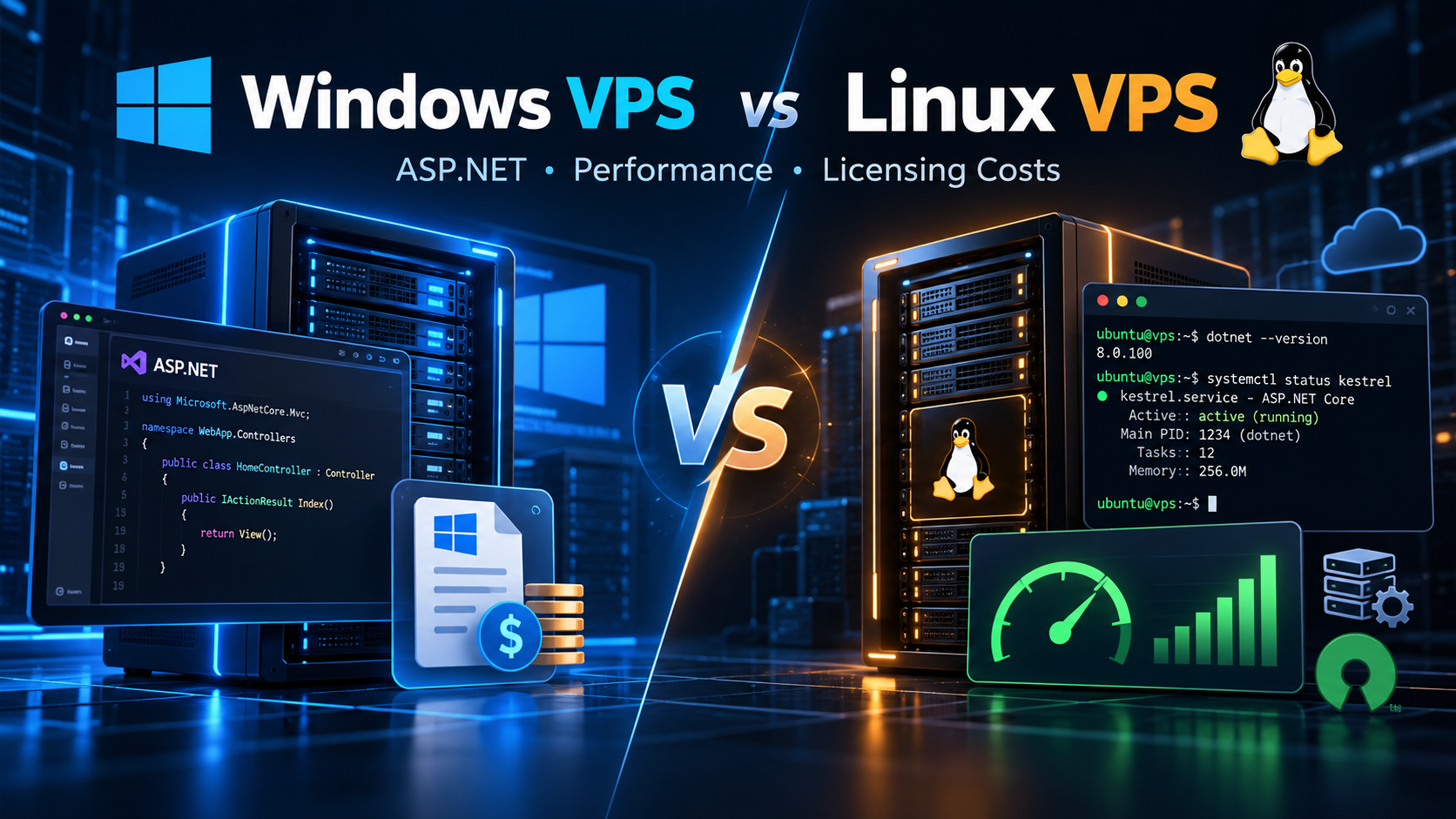
Foundational context: For developers building web applications alongside database systems, explore our guide on Windows VPS vs Linux VPS to balance licensing expenditures against runtime speed.

Figure 2: Relational database transactional engine and high-throughput buffer pool architecture on NVMe storage.
Configuration Blueprint: Windows VPS Architecture for AD & MS SQL
Deploying Active Directory and MS SQL Server on cloud VPS infrastructure requires thoughtful resource provisioning. The configuration matrix below details practical deployment architectures based on organization scale.
| Deployment Tier | Recommended VPS Specifications | Target Workload & Architecture |
|---|---|---|
| Branch Office DC | 2 vCPUs, 4 GB to 6 GB RAM, 80 GB NVMe Storage. | Domain Controller (AD DS), DNS Server, and central GPO for up to 75 users. |
| Entry SQL Instance | 4 vCPUs, 8 GB to 16 GB RAM, 160 GB NVMe Storage. | Domain-joined database server for departmental CRM, accounting, and internal tools. |
| Combined Enterprise | 8 vCPUs, 32 GB RAM, 500 GB NVMe, Private LAN. | Multi-tier setup: Primary DC VM + Dedicated MS SQL VM on private LAN. |
| High Availability (HA) | Dual 4-8 vCPU instances across redundant zones. | Replicated Domain Controllers and SQL Server Always On Availability Groups. |
Best Practices for Hosting Active Directory & MS SQL on VPS
To avoid common performance degradation and security vulnerabilities when hosting Windows enterprise infrastructure in the cloud, implement these foundational architectural guidelines:
1. Never Install SQL Server Directly on a Domain Controller
Installing SQL Server on a Domain Controller VM seems economical, but Microsoft strongly advises against it. Domain controllers lack local security accounts, and heavy SQL query loads can starve authentication services, causing network-wide login delays.
2. Isolate Management Ports Behind VPN
Exposing Active Directory ports (LDAP 389, Kerberos 88, SMB 445) or MS SQL port 1433 to the public internet invites brute-force attacks. Always isolate your Windows VPS behind an encrypted site-to-site IPsec or WireGuard VPN tunnel.
3. Leverage Volume Shadow Copy (VSS) for Application Backups
Active Directory and SQL Server hold active transactional state in memory. Taking raw disk snapshots without application awareness risks corrupting ntds.dit or SQL transaction logs. Always ensure your VPS backup tool uses Volume Shadow Copy Service (VSS) integration.
Frequently Asked Questions (FAQ)
Q1: Can Linux Samba 4 completely replace a Windows Server Domain Controller? ▼
Q2: What is the minimum recommended RAM for a Windows VPS running Active Directory? ▼
Q3: Can I run SQL Server Express on a Windows VPS without paying database license fees? ▼
Q4: Why does SQL Server perform better when coupled with Active Directory? ▼
Q5: How do I handle disaster recovery for Active Directory on cloud VPS? ▼
Summary: Building an Unshakeable Enterprise Foundation
While modern open-source operating systems excel at web servers, microservices, and container clusters, the corporate back-office remains firmly anchored in the Microsoft ecosystem. Active Directory provides unparalleled identity control, and Microsoft SQL Server delivers deep relational database maturity.
Attempting to bypass Windows licensing surcharges by deploying directory emulators introduces administrative friction, broken security policies, and unbudgeted troubleshooting downtime. By investing in a high-performance Windows VPS with fast NVMe storage and dedicated resources, your business secures full vendor compatibility, seamless Single Sign-On, and an enterprise infrastructure built for long-term scalability.