Showing posts with label WooCommerce Hosting. Show all posts

Sunday, 11 October 2026

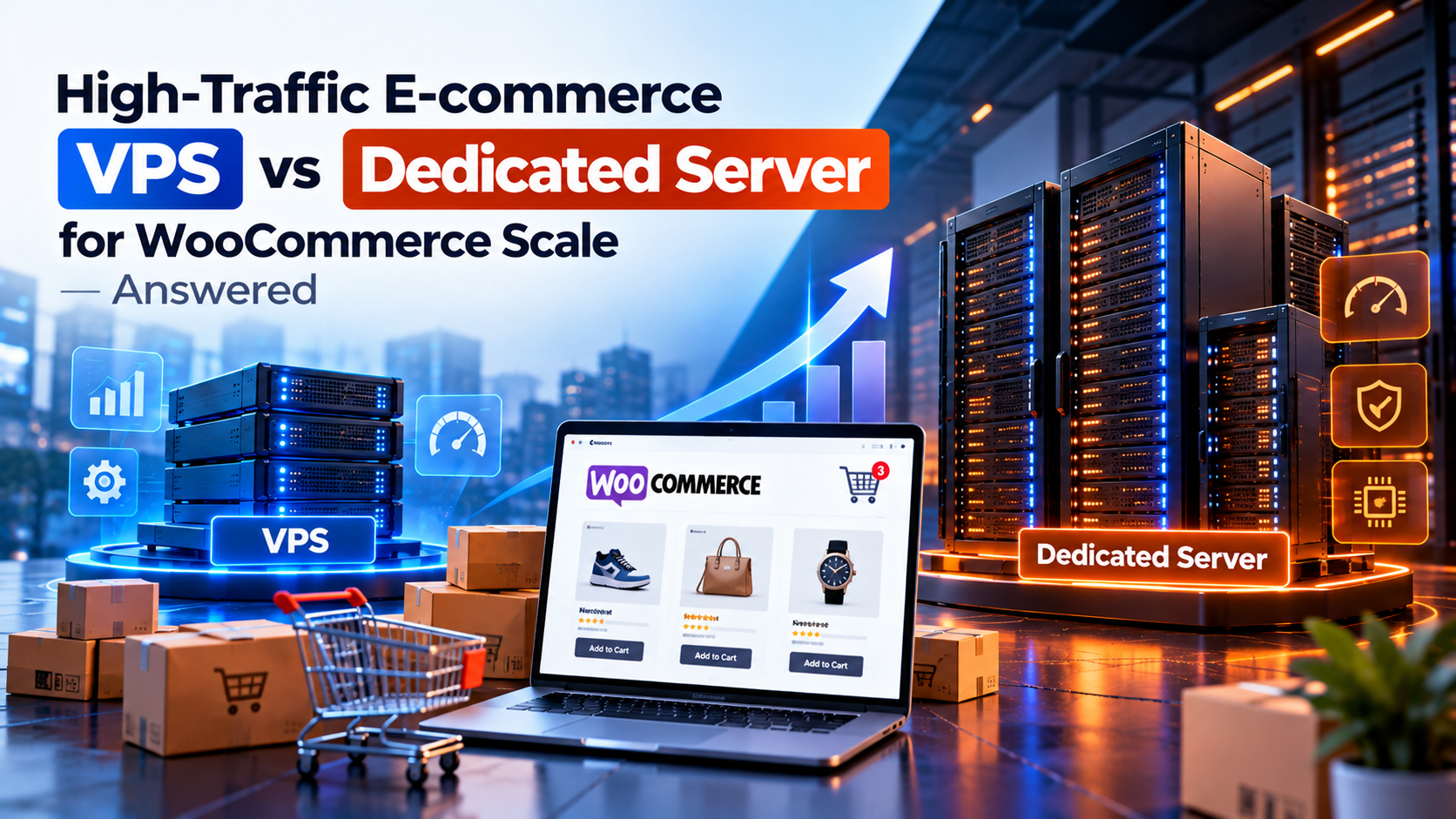
High-Traffic E-commerce: VPS vs Dedicated Server for WooCommerce Scale

Running a successful WooCommerce online store is an exciting achievement for any business owner. But as your promotional marketing campaigns succeed and thousands of online shoppers rush to browse products at the exact same time, your hosting server faces an extreme stress test. E-commerce websites are far more demanding on server hardware than regular blogs or portfolio sites because every shopping cart addition, coupon application, customer registration, product filtering search, and checkout query requires dynamic real-time database processing.

When a sudden surge of shoppers hits your online store during a flash sale or holiday promotion, a slow server can ruin your sales revenue. If your checkout page takes 5 seconds to load or displays a database connection error, shoppers will abandon their carts and buy from a competitor. This brings online store owners to a crucial decision point: Is a Virtual Private Server (VPS) sufficient for WooCommerce scaling, or do you need a Dedicated Server to handle high-traffic spikes smoothly?

In this practical case study guide, we will analyze how VPS and Dedicated Servers perform under heavy WooCommerce traffic loads. We will explain everything in clear layman language, helping you choose the right server architecture to keep your checkout fast, secure, and highly profitable.

📌 Direct Answer: Which Hosting Setup Scales WooCommerce Best?

  • For Growing Stores (Under 500 Daily Orders): A Managed VPS with fast NVMe storage and Object Cache (Redis) provides smooth performance and great value.
  • For High-Traffic Enterprise Stores (1,000+ Orders & Flash Sales): A Dedicated Server is required. It delivers 100% unshared CPU cores and dedicated RAM to process hundreds of concurrent checkouts without crashing.
  • Key Recommendation: Never run a high-concurrency WooCommerce checkout on shared resources—page load delays directly reduce store conversion rates.

A Simple Analogy: Single Cashier Counter vs Supermarket Hypermarket

To understand how WooCommerce demands server power, picture a physical retail store during Black Friday sales events:

Hosting WooCommerce on a standard VPS is like operating a boutique store with a single billing counter and cash register. When 10 customers visit per hour, the cashier easily scans items and processes payments quickly. But if 500 shoppers line up simultaneously with filled shopping carts, a single cashier gets overwhelmed, creating massive long lines where frustrated customers leave their carts behind and walk out without buying.

Hosting WooCommerce on a Dedicated Server is like operating a multi-lane supermarket hypermarket equipped with 20 high-speed automated checkout lanes. Even when thousands of shoppers rush into the store at once, multiple open checkout channels process transactions instantly, ensuring every customer completes their purchase without waiting in line.

Why WooCommerce Demands Massive Server Resources

Unlike simple content websites where web pages can be cached into static HTML files, WooCommerce relies heavily on dynamic PHP processing and MySQL database queries:

High speed e-commerce data transaction visual

Figure 1: Digital data stream processing high-volume e-commerce transactions.

1. Un-cacheable Cart and Checkout Pages

Every time a shopper adds a product to their cart, applies a discount coupon code, or enters shipping information, WooCommerce bypasses standard page caching. The server must execute fresh PHP code and query the database directly. Under heavy traffic, a VPS can quickly run out of PHP worker threads, causing severe page delay and checkout timeouts.

2. Heavy Database Read/Write Operations

Managing inventory levels in real time, processing credit card payment gateways, and sending order confirmation emails requires intensive disk I/O operations. A dedicated server with direct NVMe storage handles high input/output operations per second (IOPS) far more efficiently than a virtual server with shared disk controllers.

💡 Planning your store infrastructure? Read our comprehensive guide on VPS vs dedicated server hosting for high-growth online companies.

3. Preventing "Out of Memory" Errors During Sales Spikes

During marketing email campaigns or viral social posts, hundreds of shoppers hit your site simultaneously. If your server runs out of physical RAM memory, PHP processes will crash, resulting in frustrating 502 Bad Gateway errors. A dedicated server provides vast RAM memory buffers so your online store stays rock-solid under severe traffic stress.

4. Optimizing PHP-FPM Workers for Concurrent Shoppers

In WooCommerce hosting, each active customer checkout consumes a dedicated PHP-FPM process worker. On a smaller VPS instance with limited RAM, you may only be able to allocate 10 to 20 PHP workers before running out of memory. On a dedicated server with 64 GB of RAM, you can comfortably allocate 150+ PHP workers, allowing hundreds of customers to complete checkouts simultaneously without queuing.

5. Database Query Optimization & Indexing

As your store catalog grows to thousands of product SKUs and customer orders, MySQL database tables become massive. A dedicated server allows you to configure dedicated database caching buffers, optimize query indexes, and isolate database workloads onto separate fast SSD drives, ensuring sub-second response times for complex product filtering searches.

6. Enhanced PCI-DSS Payment Security & Compliance

Handling customer credit card payments directly on your e-commerce store requires strict adherence to PCI-DSS security compliance standards. A dedicated server provides complete physical hardware isolation, eliminating security vulnerabilities associated with shared hypervisor environments and giving your business total control over firewall policies and data encryption standards.

7. Automated Backup Redundancy & Disaster Recovery

For any high-revenue WooCommerce online store, automated daily database backups are vital to business continuity. On a dedicated server, hardware RAID-10 disk mirroring automatically writes data across multiple NVMe drives simultaneously. If one drive fails during a peak shopping event, the secondary drive immediately takes over without taking your checkout offline or losing customer transactions.

WooCommerce Performance Benchmark Comparison

Here is how VPS and Dedicated Servers compare across key WooCommerce store performance metrics:

E-commerce Metric Managed VPS Environment Dedicated Bare-Metal Server
Concurrent Checkouts Handles 20 - 50 simultaneous checkouts Handles 300+ simultaneous checkouts effortlessly
Checkout Page Load Time 1.8s to 3.5s during normal traffic Sub-second (0.6s to 1.1s) peak performance
Flash Sale Spikes Risk of temporary slowdown or 504 gateway timeout 100% stable throughput with zero downtime
Database Efficiency Good for standard store catalog sizes Ideal for massive catalogs with 50,000+ products
High speed server load balancer visual

Figure 2: Server network load balancing infrastructure distributing heavy e-commerce traffic seamlessly.

Frequently Asked Questions (FAQs)

Q1: How do I know when my WooCommerce store has outgrown a VPS? ▼
Your WooCommerce store has outgrown a VPS when customers experience slow checkout loading (taking over 3 seconds), frequent 502/504 gateway timeout errors during sales events, or when your database CPU utilization stays consistently above 85%.
Q2: Can Redis object caching help a WooCommerce VPS handle more traffic? ▼
Yes, implementing Redis or Memcached object caching reduces database load by storing repeated database queries in server RAM. This significantly boosts VPS performance for browsing, although checkout operations still require direct processing power.
Q3: What server hardware specs are ideal for a high-traffic WooCommerce store? ▼
For high-traffic WooCommerce stores, choose a dedicated server with at least 8 to 16 CPU cores, 32 GB to 64 GB of RAM, and RAID-10 NVMe SSD storage for lightning-fast database read/write speeds.

Conclusion: Protect Your Store Revenue with the Right Hosting

In online retail, server speed directly equals revenue. A slow website or checkout crash during a major promotion costs far more in lost sales than the price of premium server hosting.

For early and growing WooCommerce stores, a Managed VPS provides a solid, cost-effective platform. But when your store scales to thousands of daily orders and high-volume sales events, upgrading to a Dedicated Server guarantees the speed, stability, and checkout performance your e-commerce business needs to succeed.

Monday, 14 September 2026

So, Managed VPS vs Unmanaged VPS for WooCommerce? Minimizing Downtime During Traffic Spikes

Managed VPS vs Unmanaged VPS for WooCommerce - Minimizing Downtime During Traffic Spikes
WooCommerce VPS Guide

So, Managed VPS vs Unmanaged VPS for WooCommerce? Minimizing Downtime During Traffic Spikes

A WooCommerce store can perform well during normal traffic and still struggle when a flash sale, seasonal promotion, or marketing campaign suddenly brings more customers to the site.

For an e-commerce business, downtime is more than a technical inconvenience. Slow product pages, failed checkouts, and server errors can quickly turn into lost orders. That makes the choice between managed and unmanaged VPS hosting an operational decision, not simply a comparison of monthly prices.

Why WooCommerce Needs More Than Basic Hosting

WooCommerce handles considerably more dynamic activity than a simple informational website. Customers may search products, log into accounts, add items to carts, apply coupons, check inventory, and submit orders at the same time.

During a traffic spike, these requests can increase PHP processing, database activity, CPU usage, and memory consumption. This is why WooCommerce VPS optimization involves more than simply choosing a server with additional RAM or CPU cores.

Managed vs Unmanaged VPS: What Actually Changes?

Provider-Assisted

Managed VPS

Depending on the management plan, the hosting provider takes responsibility for selected server-level administration and troubleshooting tasks.

  • Server configuration assistance
  • Operating system maintenance
  • Security patching
  • Service monitoring
  • Server-level troubleshooting
  • Configuration support
Self-Managed

Unmanaged VPS

You receive administrative access to the VPS, while your own team remains responsible for most operating system, security, software, and troubleshooting work.

  • Web server configuration
  • PHP and PHP-FPM tuning
  • Database optimization
  • Firewall management
  • Log investigation
  • Service recovery

What Happens During a WooCommerce Traffic Spike?

The VPS may still be online while WooCommerce itself becomes slow or unreliable. Typical warning signs include:

High CPU Usage PHP Worker Limits Slow Database Queries Memory Exhaustion Checkout Timeouts 502 / 503 / 504 Errors

Unmanaged VPS: Maximum Control, Maximum Responsibility

An unmanaged VPS can make sense when your business already has Linux administration expertise. Your team can choose the web server, configure caching, tune PHP, optimize the database, and control the environment in detail.

The trade-off appears when the store starts struggling during an important sales campaign. Your team has to determine whether PHP-FPM, MySQL, memory, disk usage, plugins, network configuration, or another component is causing the problem.

The question worth asking: If the store slows down during your busiest sales hour, does someone on your team know how to diagnose and resolve the server problem?

Managed VPS: Paying for Operational Support

A managed VPS is often more practical for businesses that want infrastructure professionals to handle selected parts of server administration.

However, the term “managed” does not mean exactly the same thing at every hosting company. Before selecting a plan, check whether assistance is available when:

  • CPU usage remains unusually high
  • MySQL stops responding
  • PHP-FPM reaches its limits
  • Nginx or Apache fails
  • The VPS becomes inaccessible
  • A server-level performance bottleneck needs investigation

WooCommerce Performance Still Requires Application-Level Work

Page Caching

Serve suitable pages without rebuilding them for every visitor request.

Object Caching

Redis or a similar cache can reduce repeated database work for suitable workloads.

PHP Optimization

Worker limits, memory allocation, PHP versions, and OPcache can affect request handling.

Database Maintenance

Review inefficient queries, revisions, expired transients, and unnecessary autoloaded data.

The Cost of Downtime Changes the Calculation

Monthly server price is easy to compare. The financial impact of an outage is more difficult to see until customers are unable to complete purchases.

Lost orders are only part of the problem. Paid advertising traffic may be wasted, abandoned carts may increase, support enquiries can rise, and customers may hesitate to return after a poor checkout experience.

What happens financially if nobody can diagnose your store's server problem for an hour?

An Unmanaged VPS May Fit When

  • Your team has Linux administration experience
  • Someone can respond to server incidents
  • You need a highly customized stack
  • You can manage monitoring, security, and backups

A Managed VPS May Fit When

  • WooCommerce directly generates business revenue
  • You do not have dedicated Linux administrators
  • You want server-level technical assistance
  • Your developers need to focus on the application

Prepare for Traffic Before It Arrives

  • Run realistic load tests
  • Monitor CPU, RAM, disk I/O, PHP workers, and database activity
  • Check that backups can actually be restored
  • Review monitoring and alert thresholds
  • Confirm console access before an emergency
  • Document important configuration changes

Managed vs Unmanaged VPS for WooCommerce: Which Should You Choose?

The better option depends on operational capability rather than server price alone. An unmanaged VPS can be a strong choice for a technically experienced team that wants direct control over its infrastructure.

A managed VPS may be more practical when the store is important to revenue and your business wants to reduce the amount of day-to-day server administration handled internally.

For an e-commerce business, the most expensive hosting decision is not always the package with the highest monthly fee. Sometimes it is the server that nobody knows how to repair when customers are actively trying to place orders.

Frequently Asked Questions

Is a managed VPS better for WooCommerce?

It may be a better fit when your business does not have experienced Linux administrators available to maintain and troubleshoot the server. Always check exactly what the provider includes in its management plan.

Can WooCommerce run on an unmanaged VPS?

Yes. WooCommerce can run effectively on an unmanaged VPS when the server is correctly configured, secured, monitored, and maintained by someone with the required technical knowledge.

Will a bigger VPS prevent WooCommerce downtime?

Not necessarily. More CPU and RAM can increase capacity, but database bottlenecks, inefficient plugins, PHP limits, and poor configuration can still cause problems.

What should I check before a WooCommerce traffic spike?

Review server resources, caching, PHP configuration, database performance, monitoring, backups, CDN settings, and your recovery procedure before an important campaign begins.

Is managed WooCommerce hosting completely maintenance-free?

No. Server management does not remove the need to maintain WordPress, WooCommerce, themes, plugins, integrations, and store-specific functionality.

Featured Post

  The demand to have strong, stable and high-performance server solutions has never been higher in the ever-changing digital space. Enterpri...